Everything the job runs on
What STYDYO does, section by section, and which plan each part is on.
Site delivery
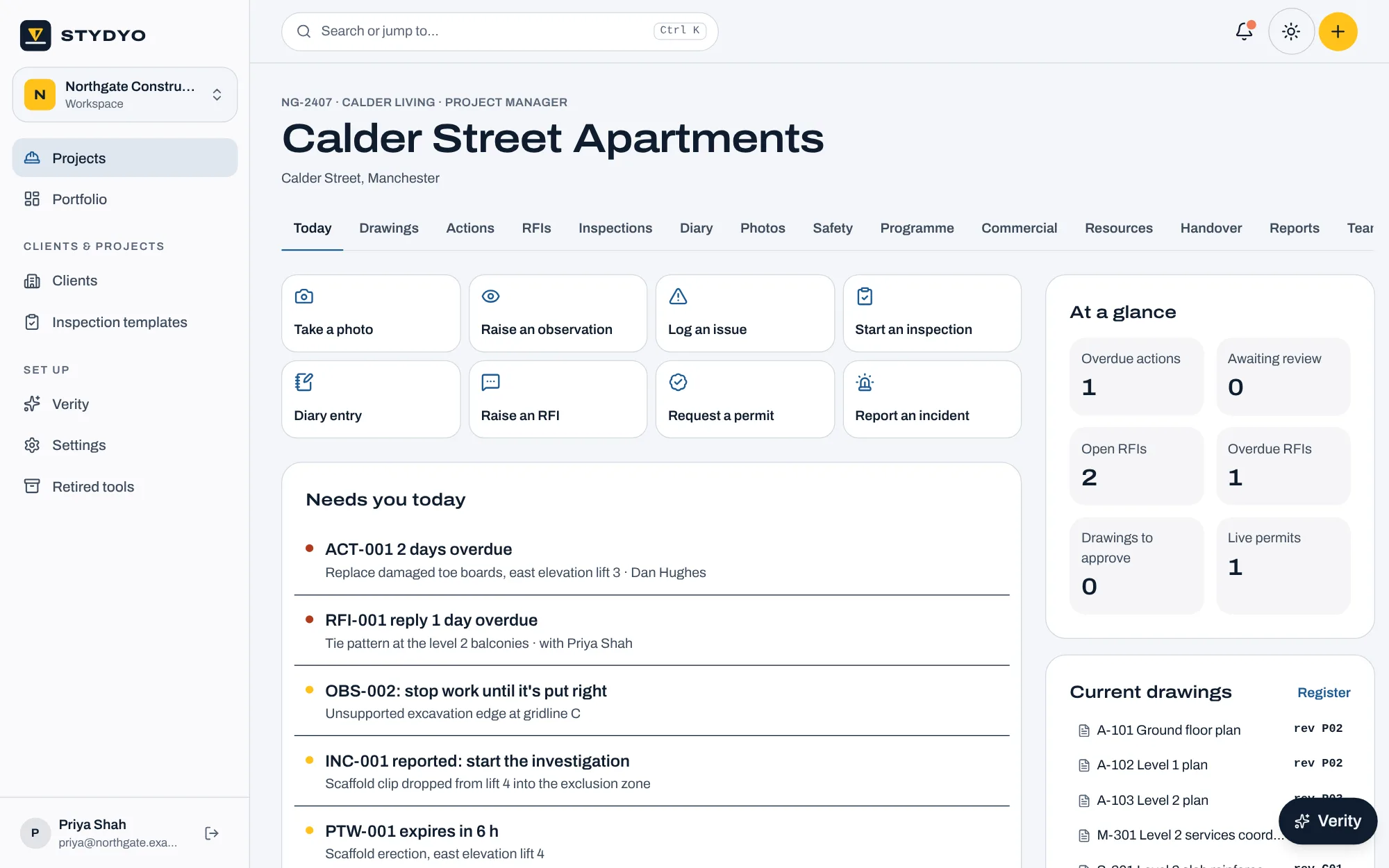
Every planThe day-to-day record of the job, kept by the people on it.
- Projects and structure
- Clients, projects and site addresses, with buildings, floors, zones and work packages. Records are tagged to where they happened and who's doing the work.
- Drawings and documents
- Upload revisions, send them for approval, and issue them to named people with a transmittal record. Everyone outside the team only sees the current issued revision; older ones are kept.
- Site diary and photos
- Progress, labour, plant, deliveries, delays and instructions, with photos tagged by area. Submitted for review and printable as a daily report.
- RFIs and technical submissions
- Asked of a named person with a reply-by date, raised against a drawing revision, answered or decided, and closed by whoever raised it.
- Audits, inspections and snagging
- Health and safety audits, quality inspections and snagging lists from built-in templates or your own: dropdowns, comments, photos, signatures, and evidence when an answer needs it.
- Actions
- Findings become actions with an owner, a due date, a priority and the photo. The owner answers with evidence; only the reviewer closes or returns them.
- Client reports
- Your logo and colours, the audit's findings with their live status, and your observations. Fixed as issued, and readable by the client in STYDYO.
Safety
Plus and ProEverything that keeps people safe, tied together so it can't drift apart, with a dashboard that shows where the risk is.
- Observations
- Anyone on site raises an observation from their phone: what they saw, the hazard, a photo, who should put it right and by when. Stop-work observations go to the top of everyone's list. It's put right with a photo and closed by whoever raised it. Good practice is recorded too.
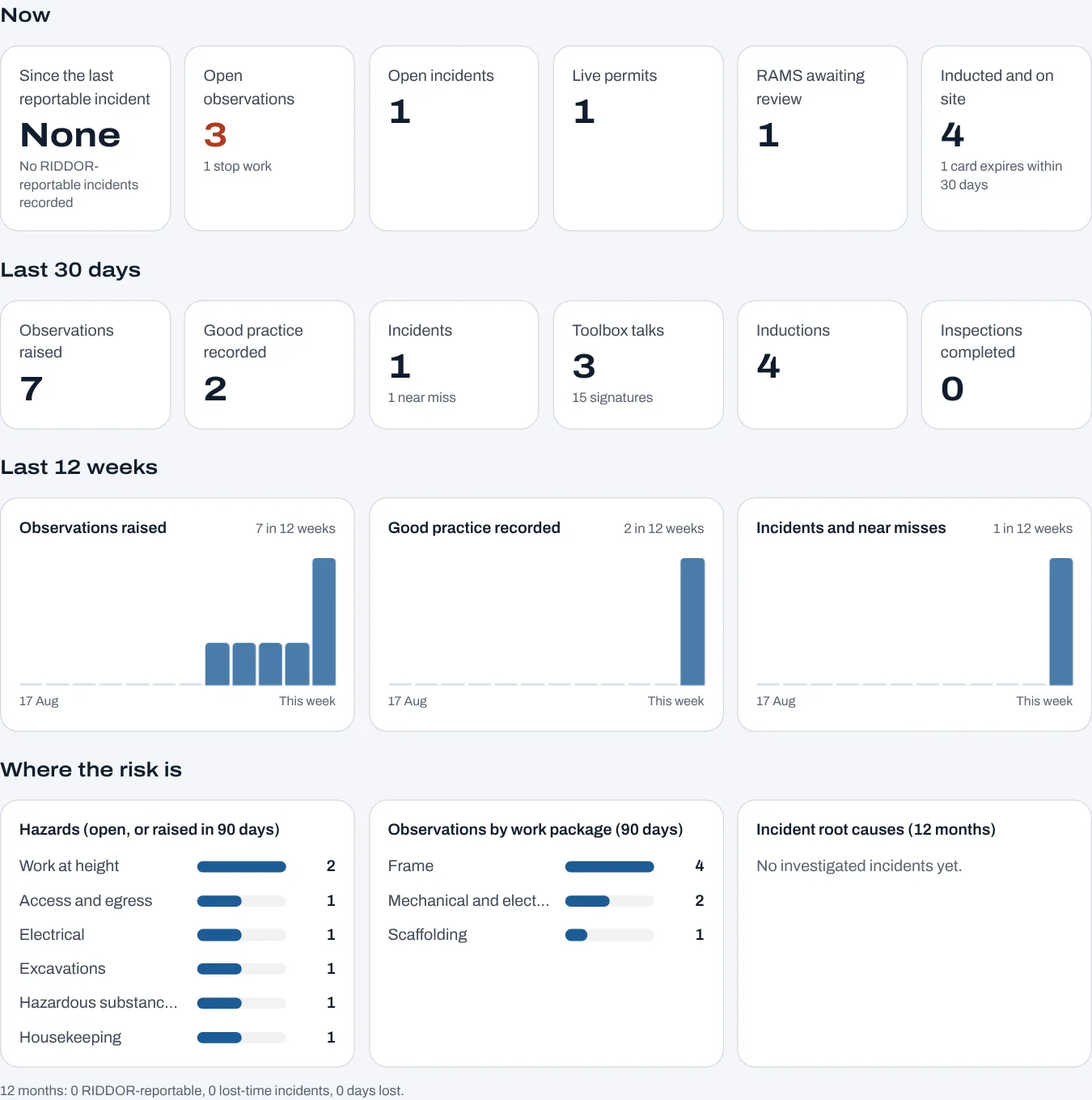
- Safety dashboard and report
- What's open now, the last 30 days and the last 12 weeks: observations, good practice, incidents, toolbox talks, inductions and inspection scores, and where the hazards cluster by type and work package. Printable as a monthly safety report.
- RAMS
- Submitted by the subcontractor, reviewed by a named reviewer, accepted, accepted with comments or rejected. A new revision replaces the old one once accepted, and every briefing is recorded with a name, company and time.
- Permits to work
- Hot work, confined spaces, digging, work at height, isolations, lifting and more. Issued only by the named issuer, only against an accepted and current RAMS revision, and suspended, reinstated or handed back with a reason.
- Temporary works
- A register that follows BS 5975: the co-ordinator and supervisor, the design check category, hold points and inspections. No permit to load until every hold point is signed off.
- Incidents and near misses
- Reported from site, then investigated: outcome, the injury, witness statements, root cause and lessons learned. The personal details are kept to the people running the project and whoever reported it. It can't be closed while actions from it are open.
- RIDDOR
- Choose the RIDDOR category and STYDYO tells the people running the project when it's due: without delay for specified injuries and dangerous occurrences, within 15 days for over-7-day injuries, until the HSE reference is recorded.
- Toolbox talks
- The topic, who gave it and an attendance sheet everyone signs on their own phone or the site tablet.
- Inductions and competence
- Everyone inducted, what the induction covered, and their competence card with its expiry. Expired cards are flagged before anyone works on one.
- Action plans
- Corrective action plans, inspection and test plans and close-out: steps in order, each signed off before the plan can close.
Programme and coordination
Plus and ProWhat's next, and what's stopping it.
- Programme and lookahead
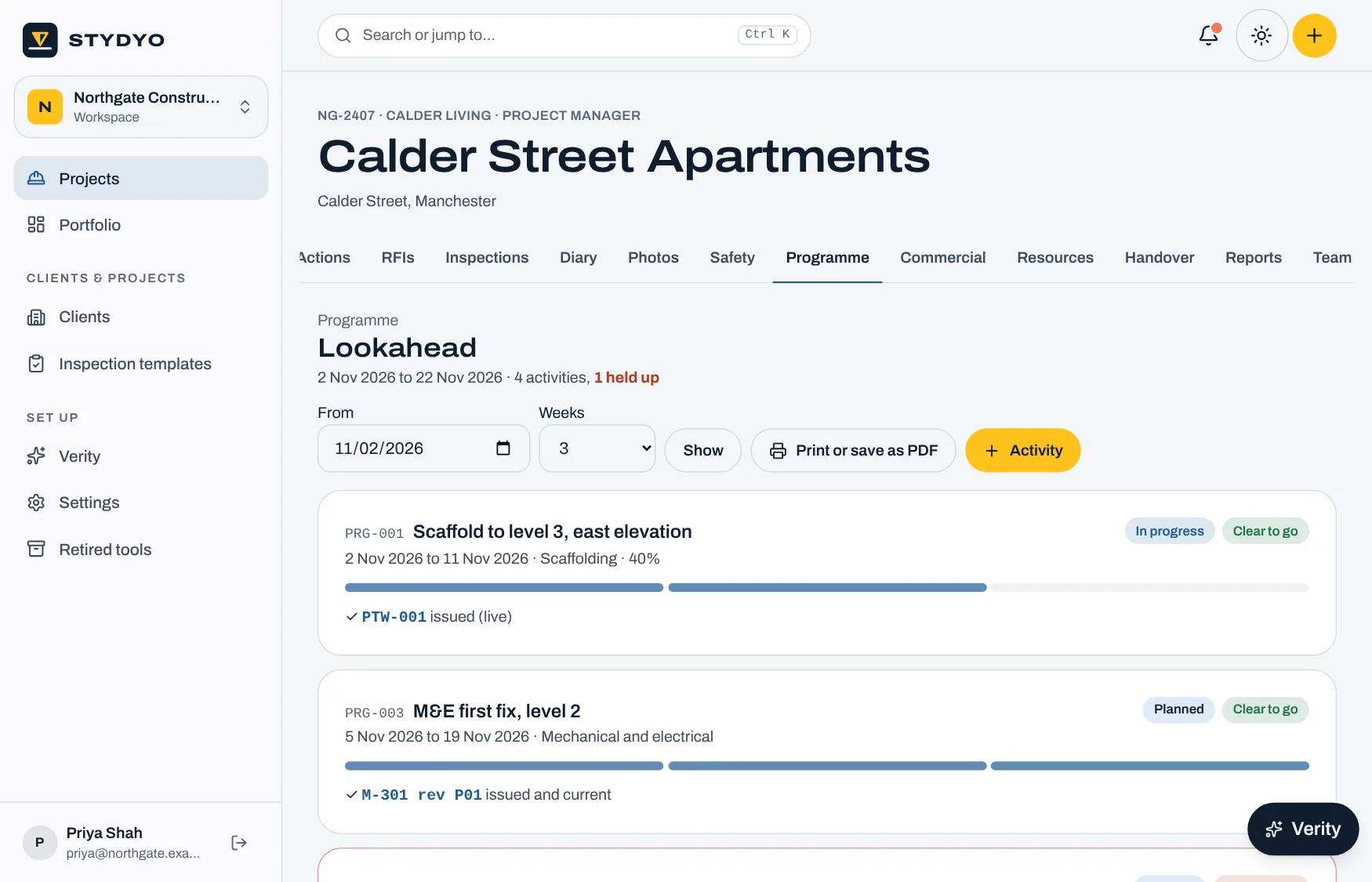
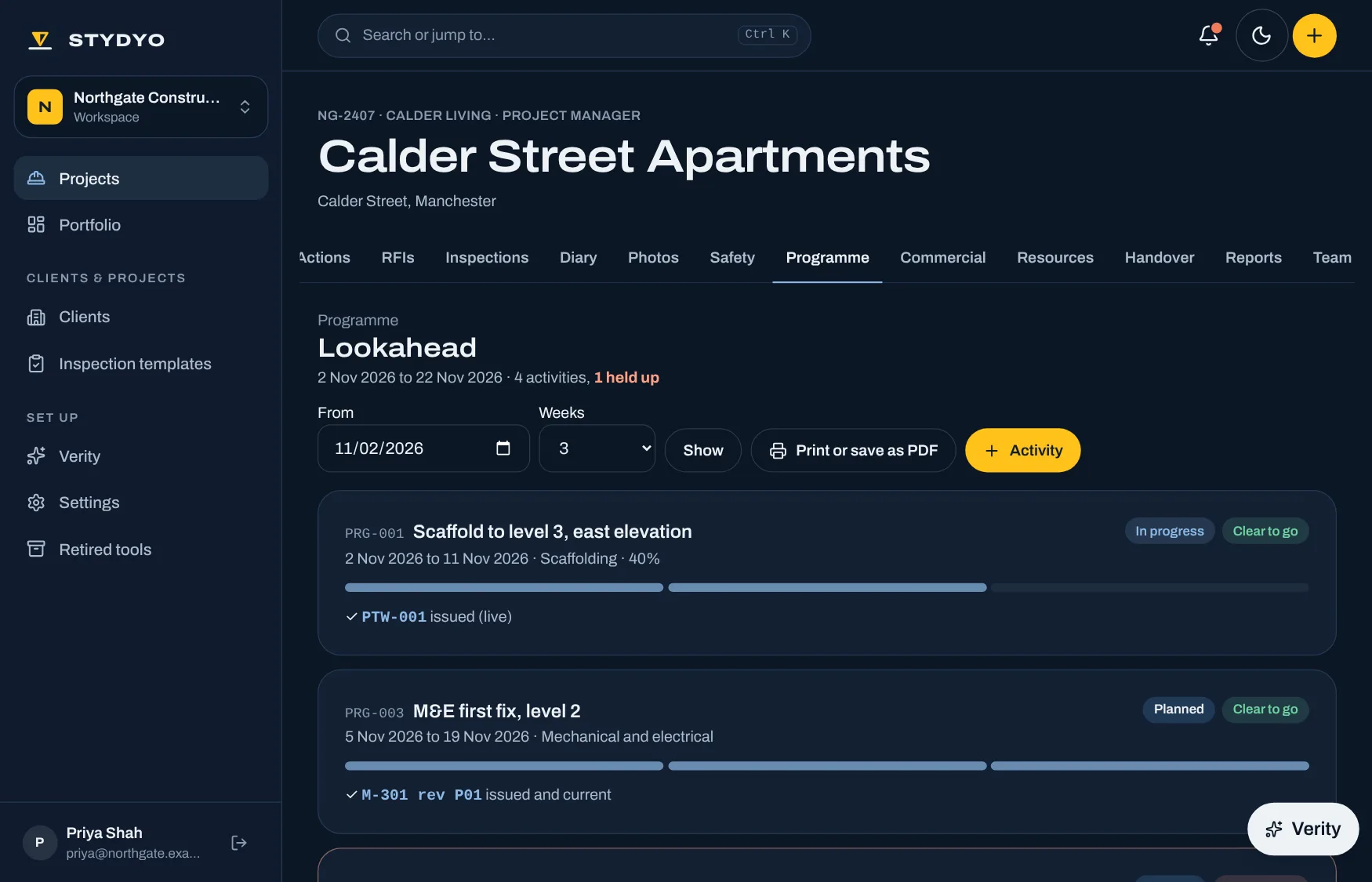
- Activities and milestones with planned and forecast dates, linked to the RFIs, drawings, permits, RAMS, variations and deliveries they depend on. The lookahead shows which are clear to go and which are held up.
- Meetings
- Progress meetings, coordination and toolbox talks: who attended, the minutes, the decisions and the actions.
- Instructions and notices
- Site instructions, early warnings and notices, sent to a named person with a reply-by date.
- Resources
- Timesheets by cost code, plant with its LOLER thorough examination dates, and materials from order to installation.
Commercial
ProThe money, kept with the job it belongs to.
- Budget and cost report
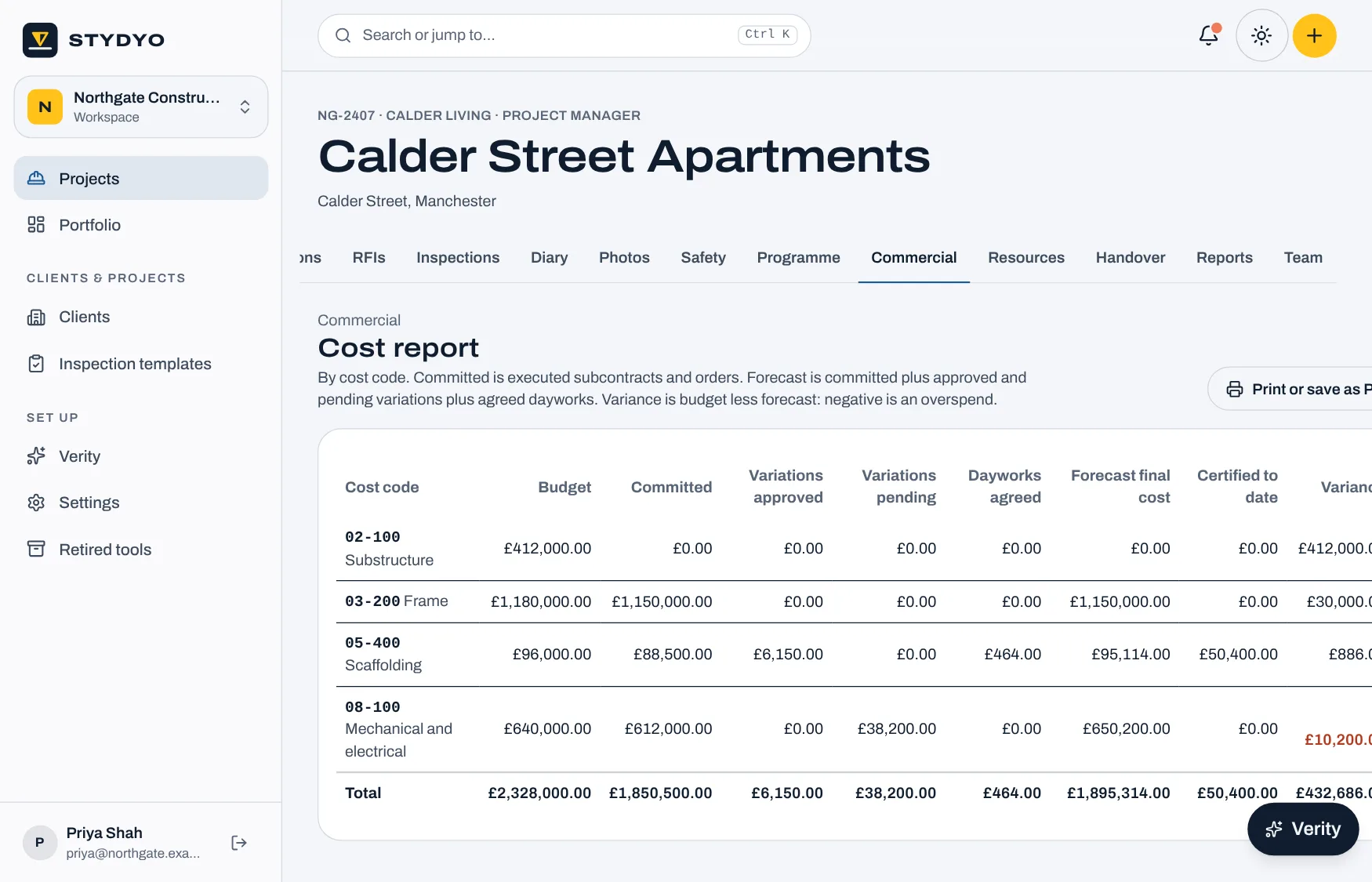
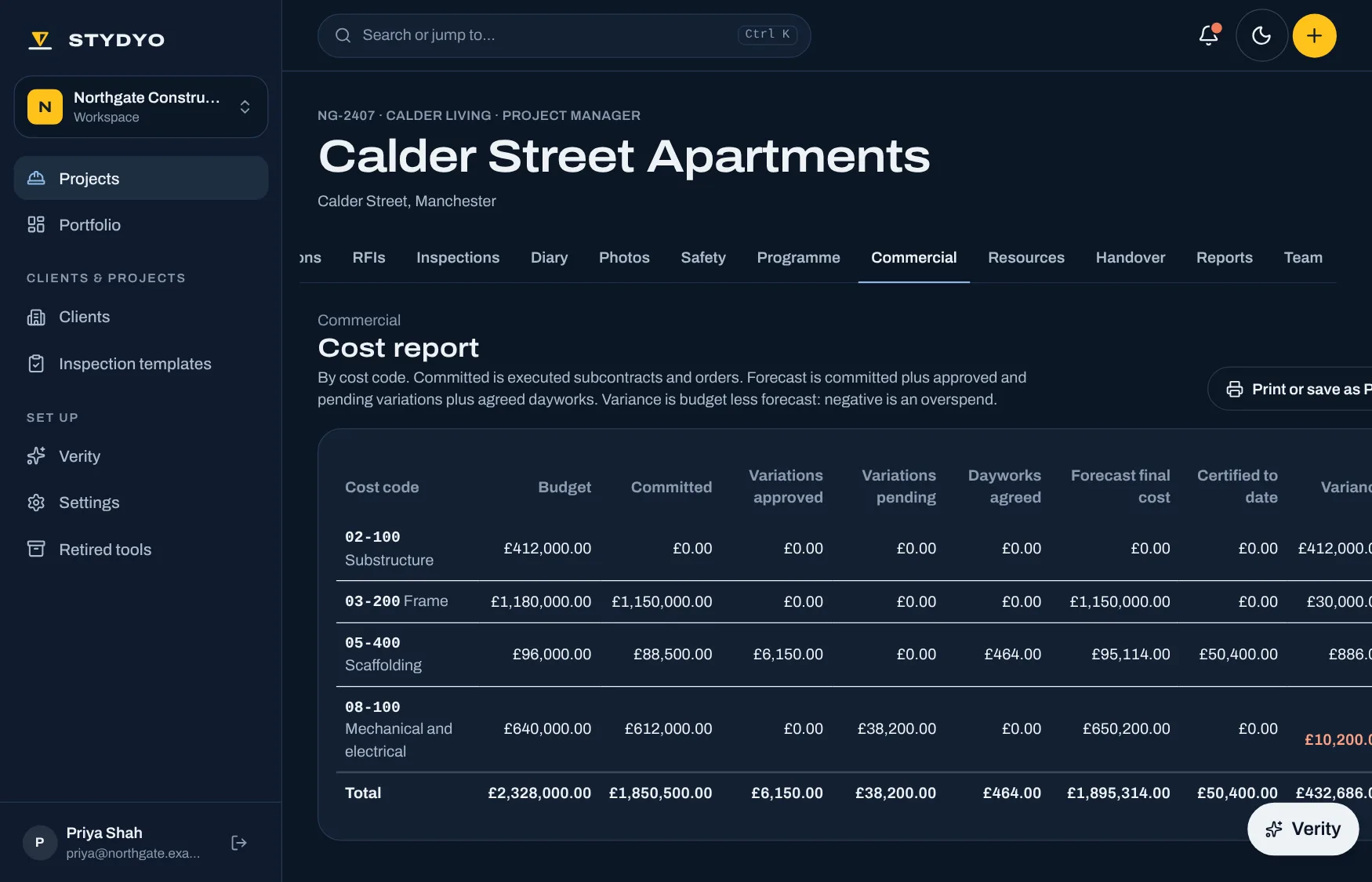
- Budget lines by cost code. The cost report brings in executed subcontracts, approved and pending variations, agreed dayworks and certified valuations, with the forecast and variance.
- Subcontracts and orders
- Value, retention, form of contract and scope, issued and marked executed.
- Variations
- Notified, quoted and submitted to the client, who approves or rejects them in STYDYO at an agreed value.
- Dayworks
- Labour, plant and materials lines, signed on site as a true record, then valued.
- Valuations
- Applications from subcontractors and to the client: gross to date, retention, previously certified and what's due.
- Tenders and compliance
- Returns compared side by side against each other and the budget; awarding one makes the subcontract. Insurances and accreditations tracked with expiry warnings.
Handover
ProFinish the job with the paperwork already done.
- Handover documents
- O&M manuals, test and commissioning certificates, warranties, as-builts, golden thread information and the health and safety file, chased from each package and accepted one by one.
- The handover pack
- What's accepted, what's still outstanding, the open snags, completed inspections and the current drawings, in one printable view.
- Portfolio
- Every live project side by side: overdue actions and RFIs, live permits, open incidents, held-up activities, forecast and variance.
Verity
The assistant built into every project page and the app, on every plan. She answers from the project’s records with a link to each one, says when something is missing or two records disagree, and drafts RFIs, diary entries, actions and report words for you to check. She only sees what the person asking can see, and never approves, issues, closes, signs off or commits money.
Access and security
- Roles on every project
- Project manager, consultant, site team, subcontractor and client. Each sees what their role needs; internal records stay internal until they're issued.
- Subcontractors see their own package
- Their drawings, actions, RAMS, permits and valuations, and nothing from other packages.
- Clients see what's issued to them
- Reports, the programme and variations submitted for their approval.
- Authorisations need a live connection
- Issuing, accepting, certifying and approving are always checked against the current record, never sent from a phone's queue.
- Two-step sign-in
- Available on every account.
- Your own workspace
- Each company's projects are kept separate from everyone else's.