From client brief to approved delivery
One project carries the client's brand from the brief to the final file, so feedback, approval and delivery all refer to the same version.
- 1
The brief arrives
The client sends a request from their portal, or you note the brief on their page. Start a project for it.
Clients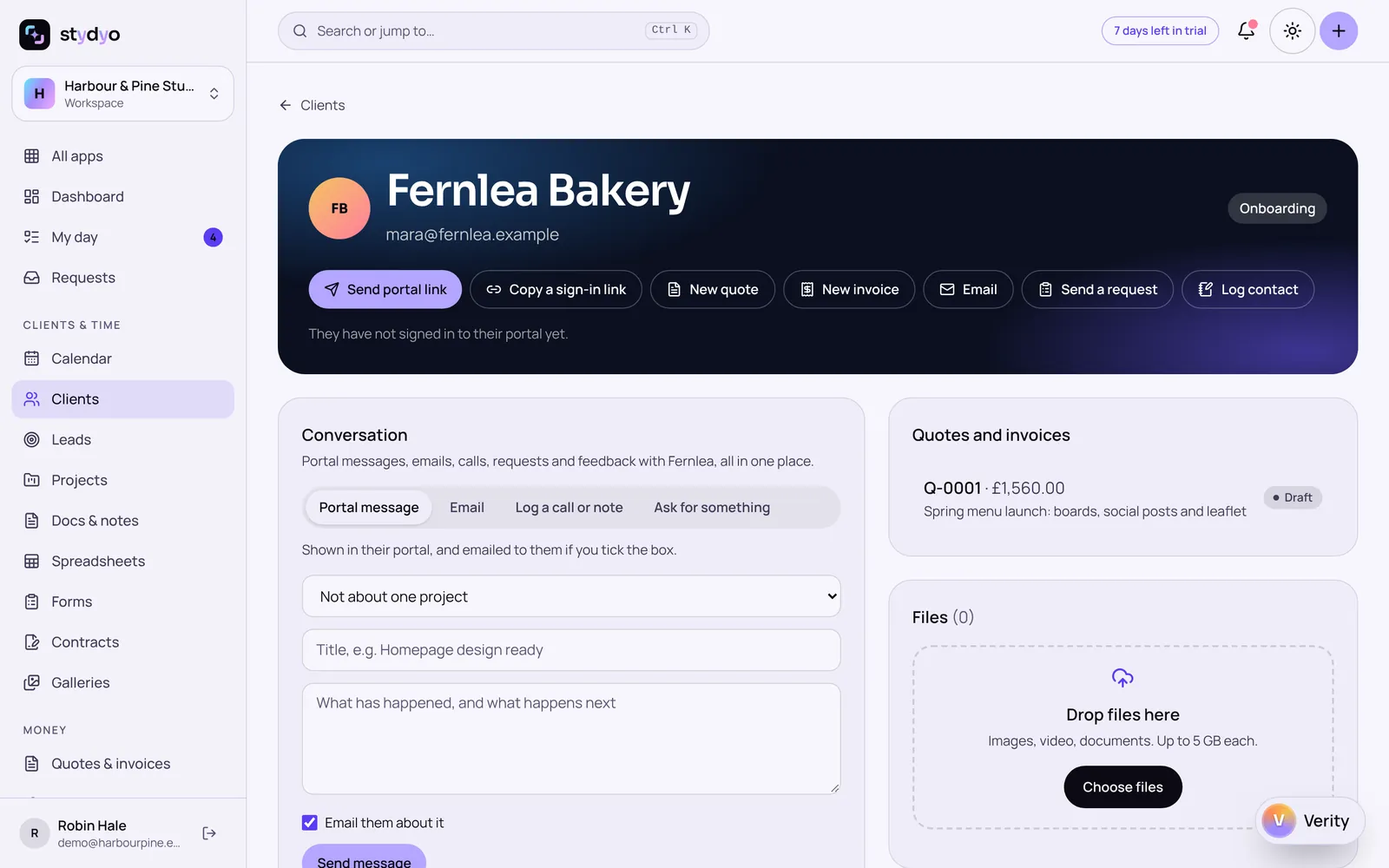
- 2
The brand follows the project
The project uses the client's approved brand kit. Designs made for it have the right colours, fonts and logos, and another client's brand is never offered.
Brand kits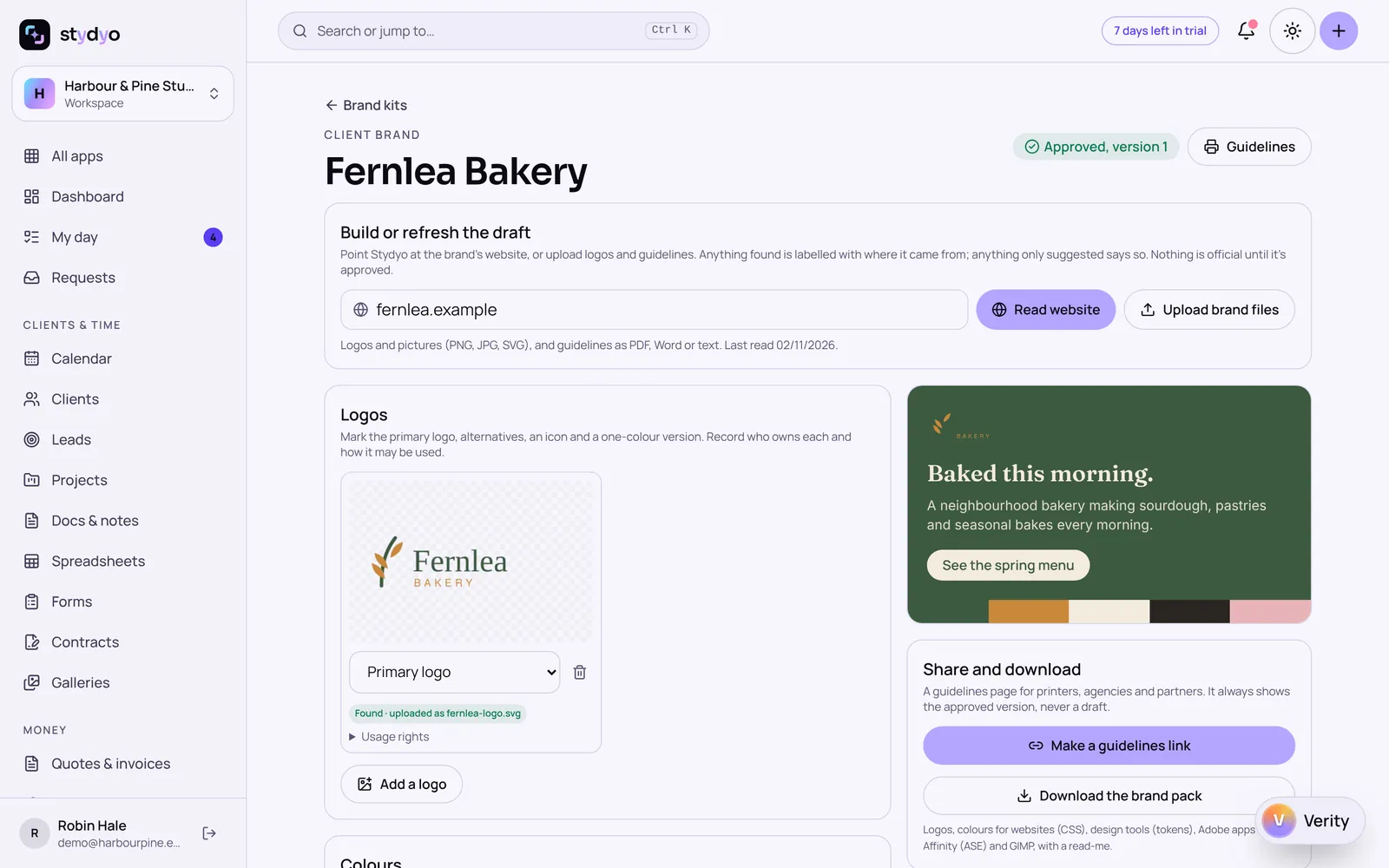
- 3
Make the work
Design, edit photos or cut a short video. Verity can make changes you ask for and check the design against the brand.
Design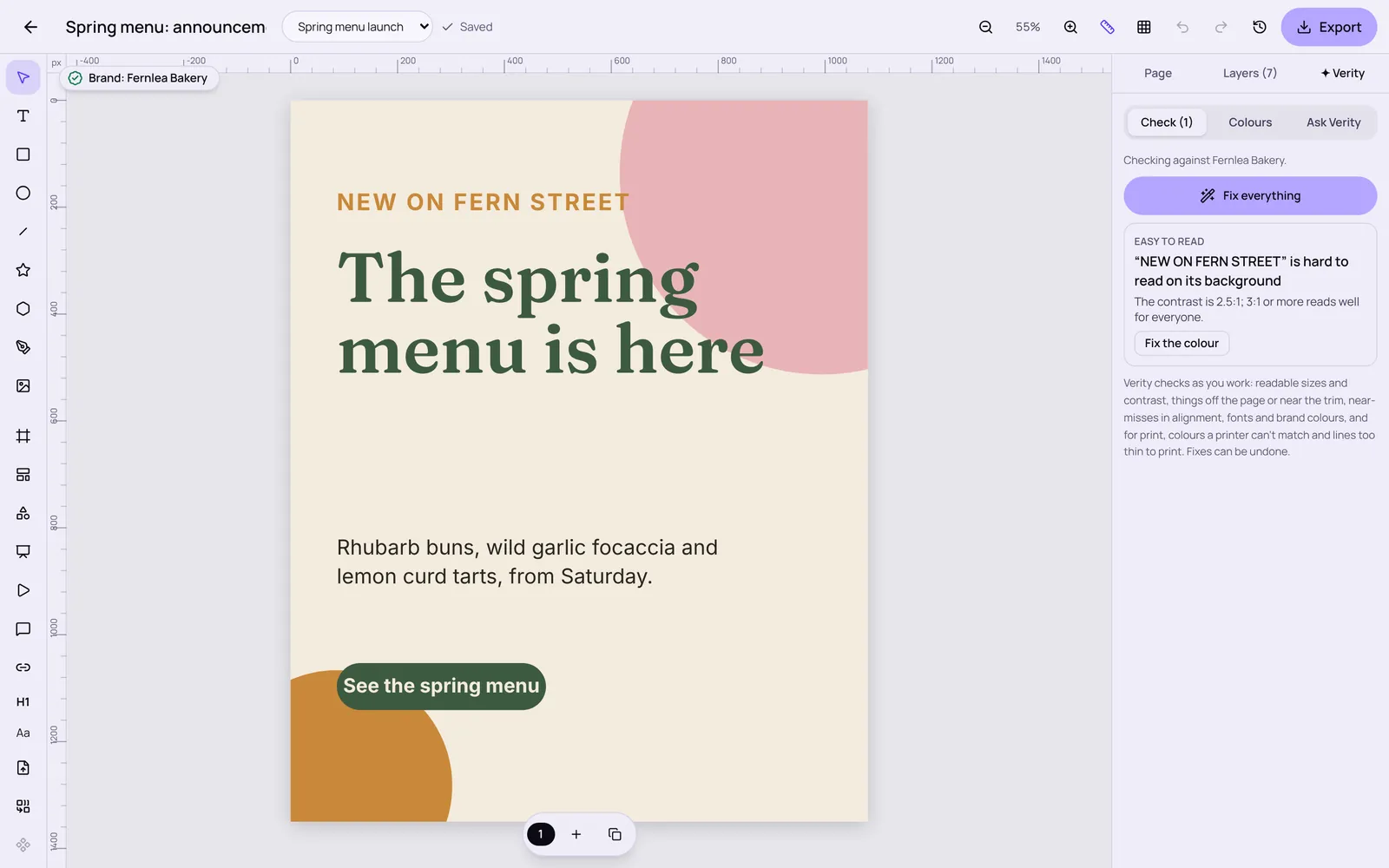
- 4
Feedback on a version
Share a proof. The client pins comments to version 1; your changes start round 2, so nobody argues about which version they meant.
Clients - 5
Approve and deliver
The client approves the exact version, which locks it. Only that approved file is delivered.
Projects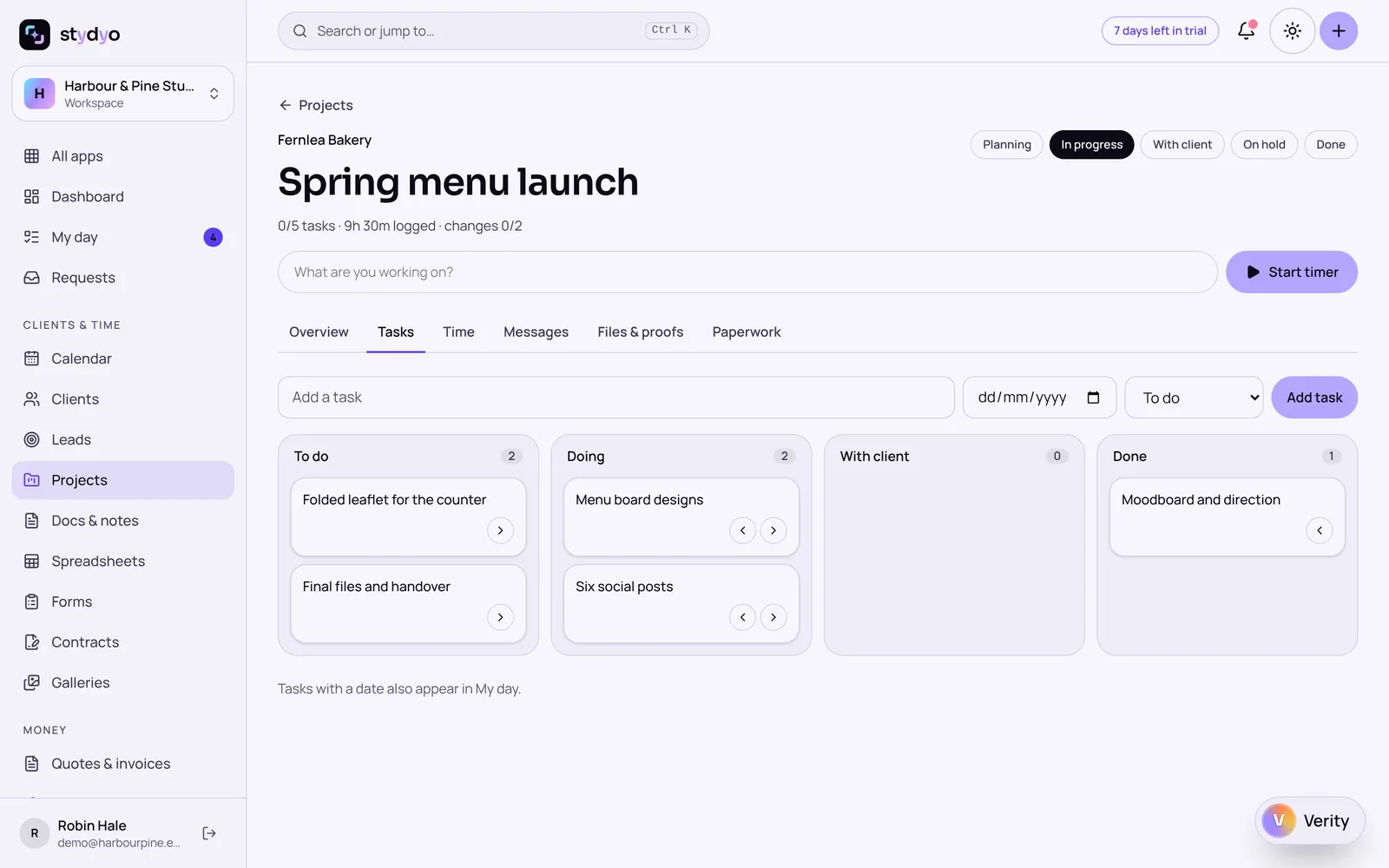
This journey is tested step by step on the server. Running it end to end through the screens in a single test is still to do.
Try everything free for 7 days.
Full access to every Stydyo app. Choose your plan and cancel anytime.
Start your 7-day free trialPayment method required. Your selected subscription starts automatically after 7 days unless you cancel.