From approved assets to a prepared campaign
Turn finished, approved work into campaign content in the right brand, get it approved, and see which campaigns bring in enquiries.
- 1
Plan the campaign
Objective, audience, offer, channels and budget, for your business or a client. Verity can draft the plan from a short brief.
Marketing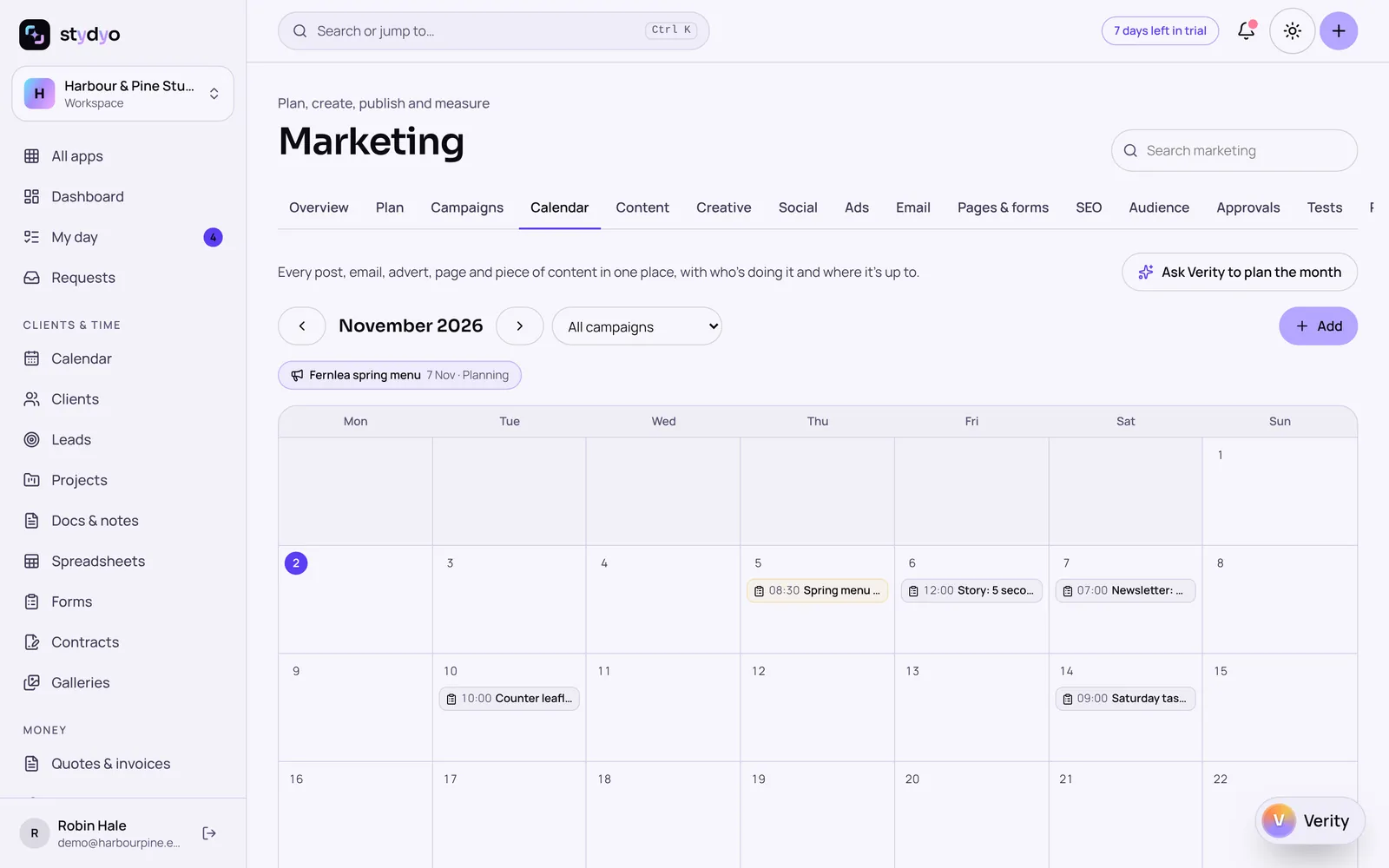
- 2
Make the variations
Briefs open in Design with the campaign's brand kit. Verity can turn an approved design into variations for each size.
Design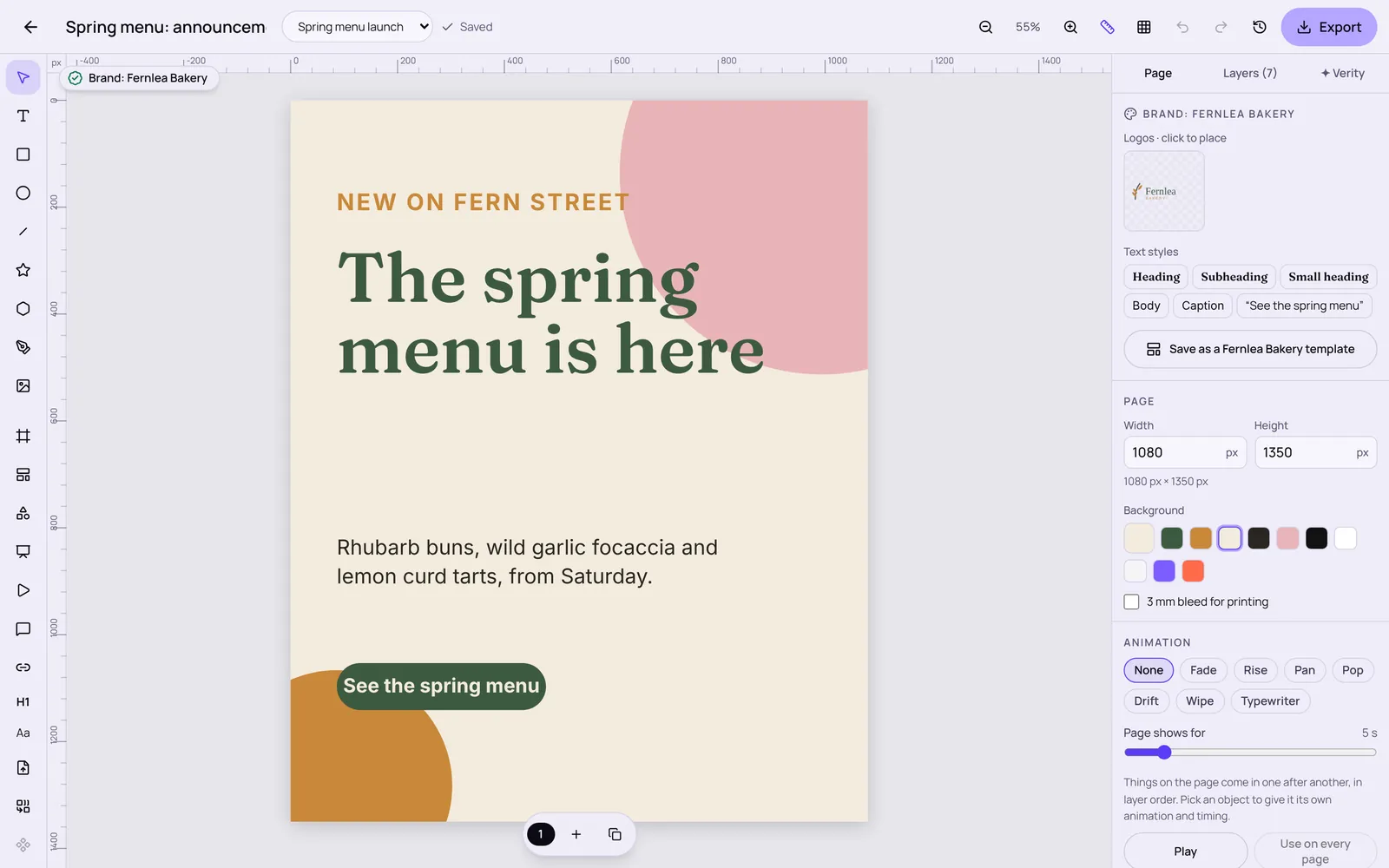
- 3
Write and approve
Copy with variations and length checks. Your team or the client approves the exact version by link.
Marketing - 4
Go out and measure
Newsletters and landing pages go out; enquiries are credited to the campaign, and results are labelled measured, attributed or estimated.
Marketing
Posting to social networks and running Google and Meta ads are built and waiting for approval from those networks. Until then, posts and ads are prepared in Stydyo and published by you.
Try everything free for 7 days.
Full access to every Stydyo app. Choose your plan and cancel anytime.
Start your 7-day free trialPayment method required. Your selected subscription starts automatically after 7 days unless you cancel.